Screenshots
Screenshots
A quick look at the clean, distraction-free interface.
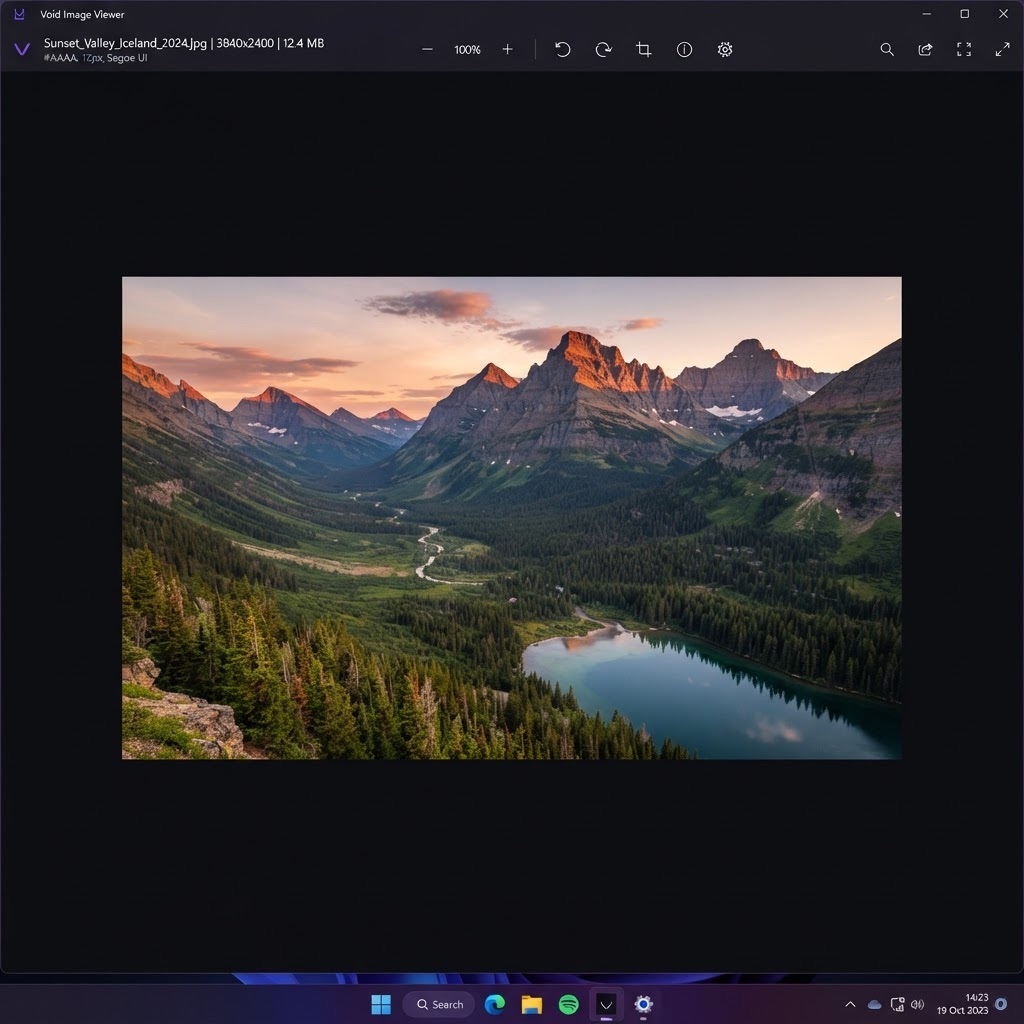
Main viewer
A borderless canvas that puts your image front and center.
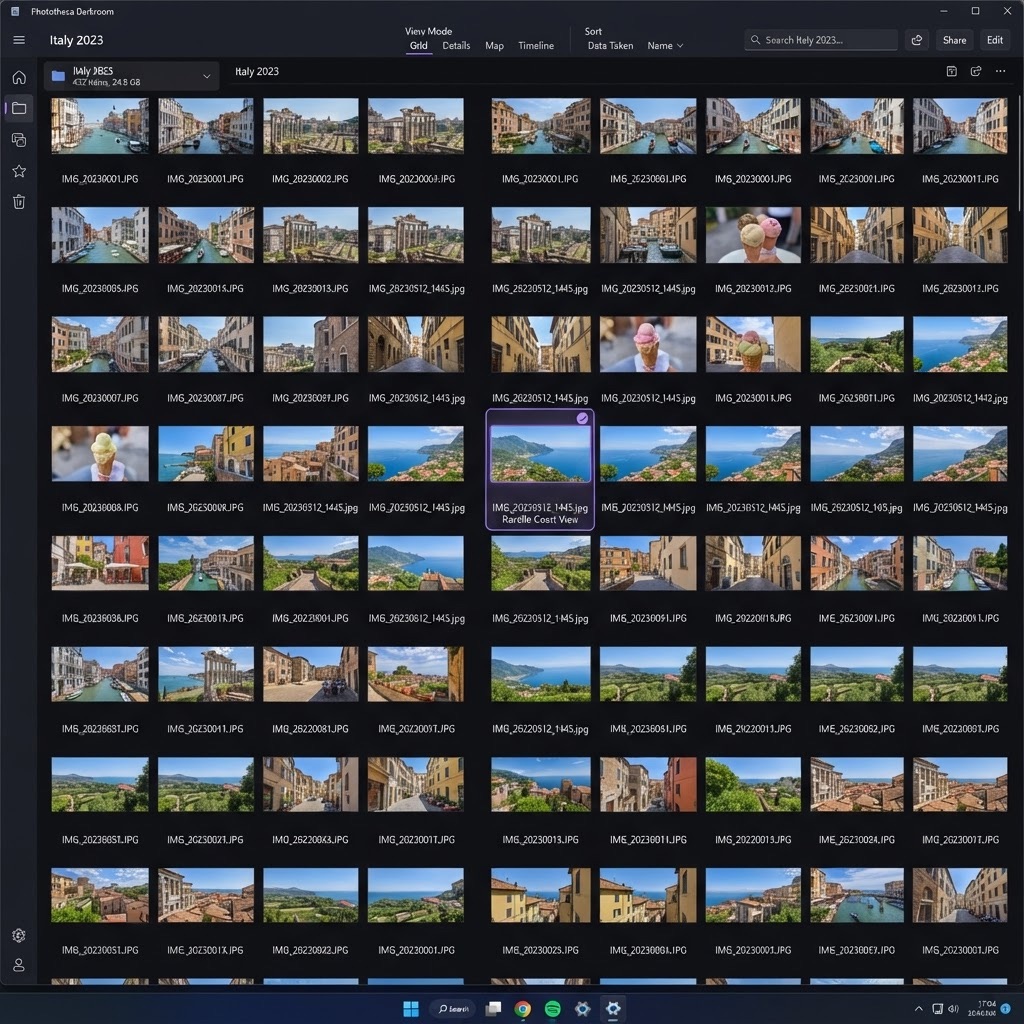
Folder thumbnails
Browse thousands of images with an instant thumbnail cache.
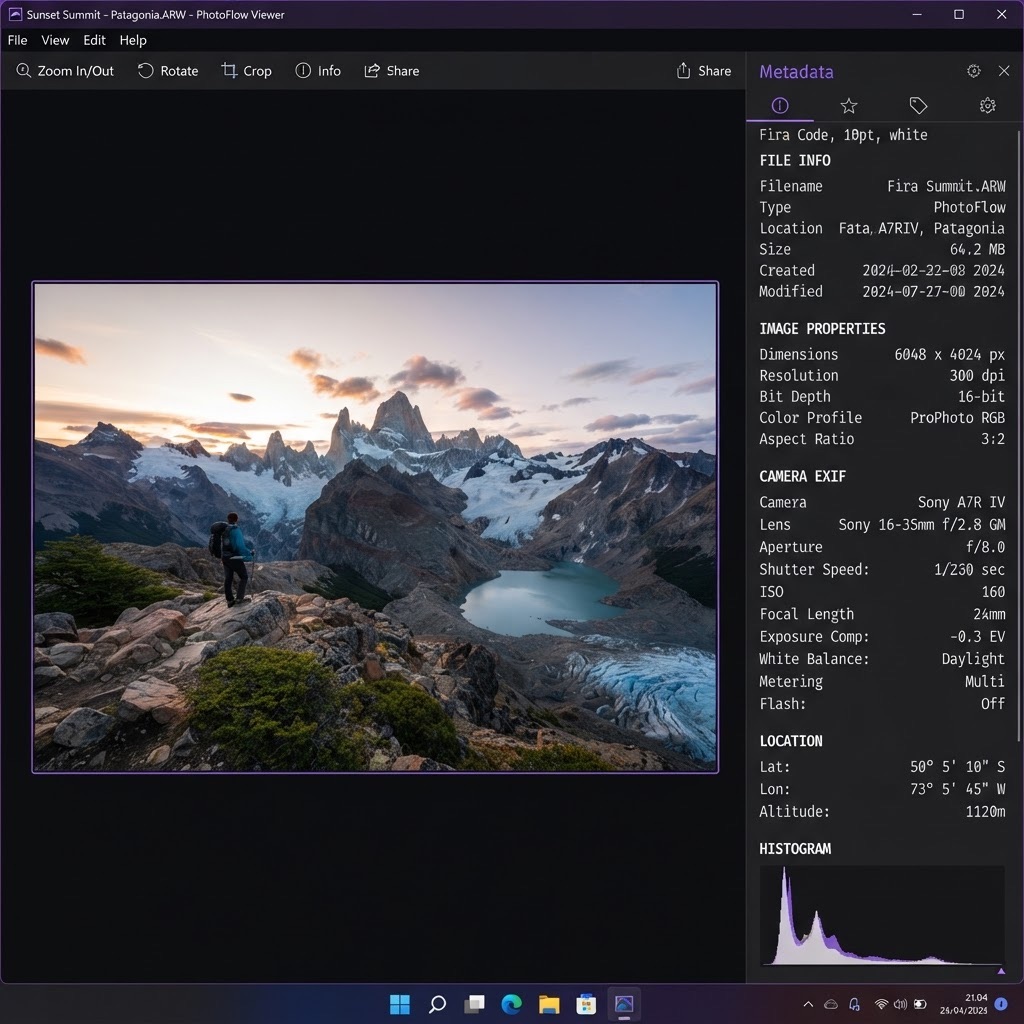
Format info panel
Resolution, color profile, EXIF and file size at a glance.
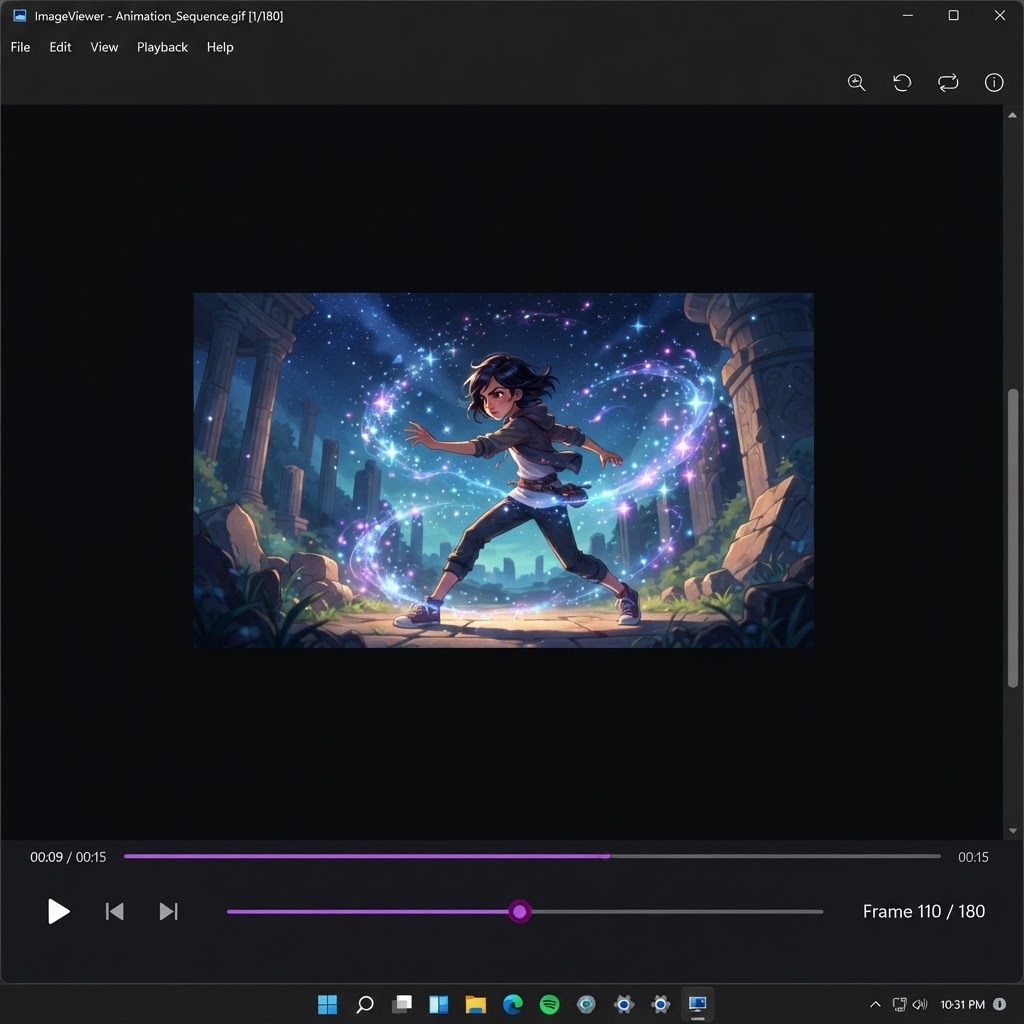
Animated playback
Frame-by-frame controls for GIF, WebP and AVIF animations.
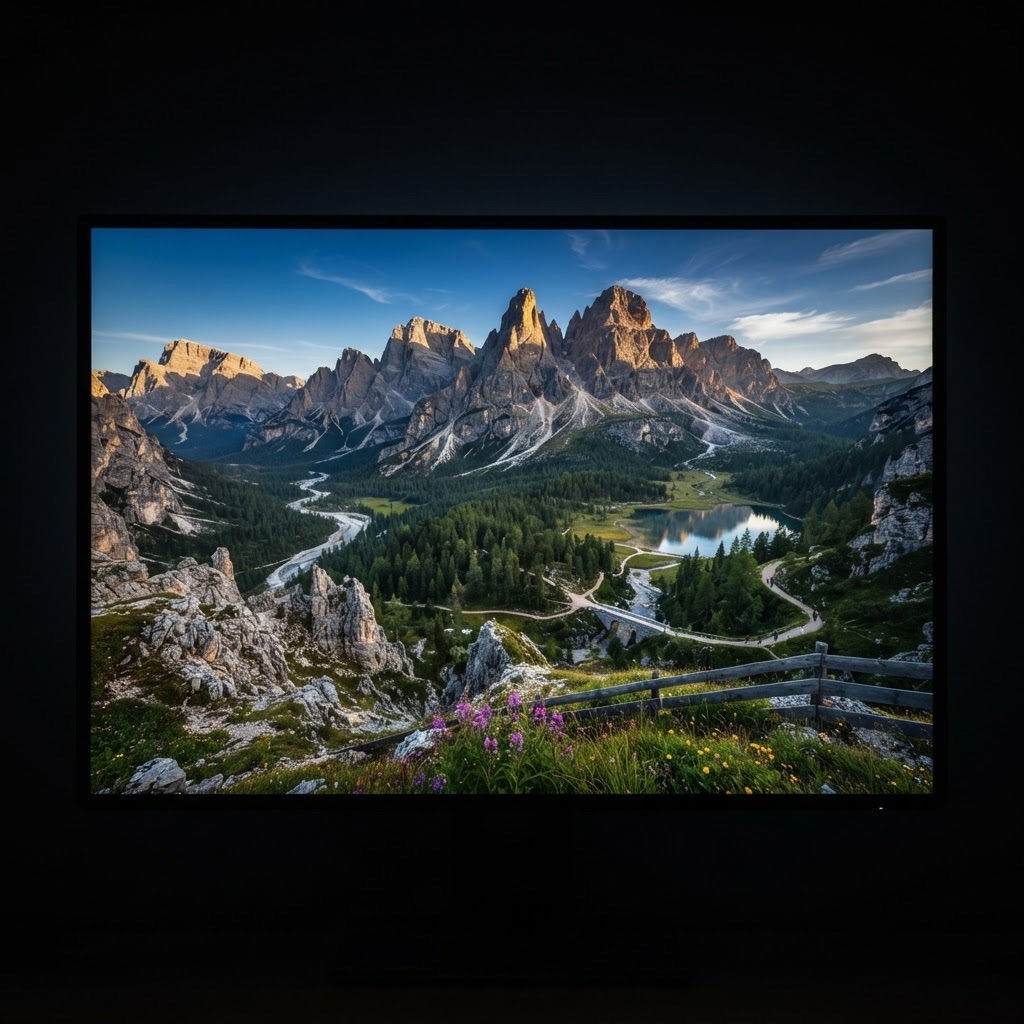
Fullscreen mode
Distraction-free viewing with keyboard-driven navigation.
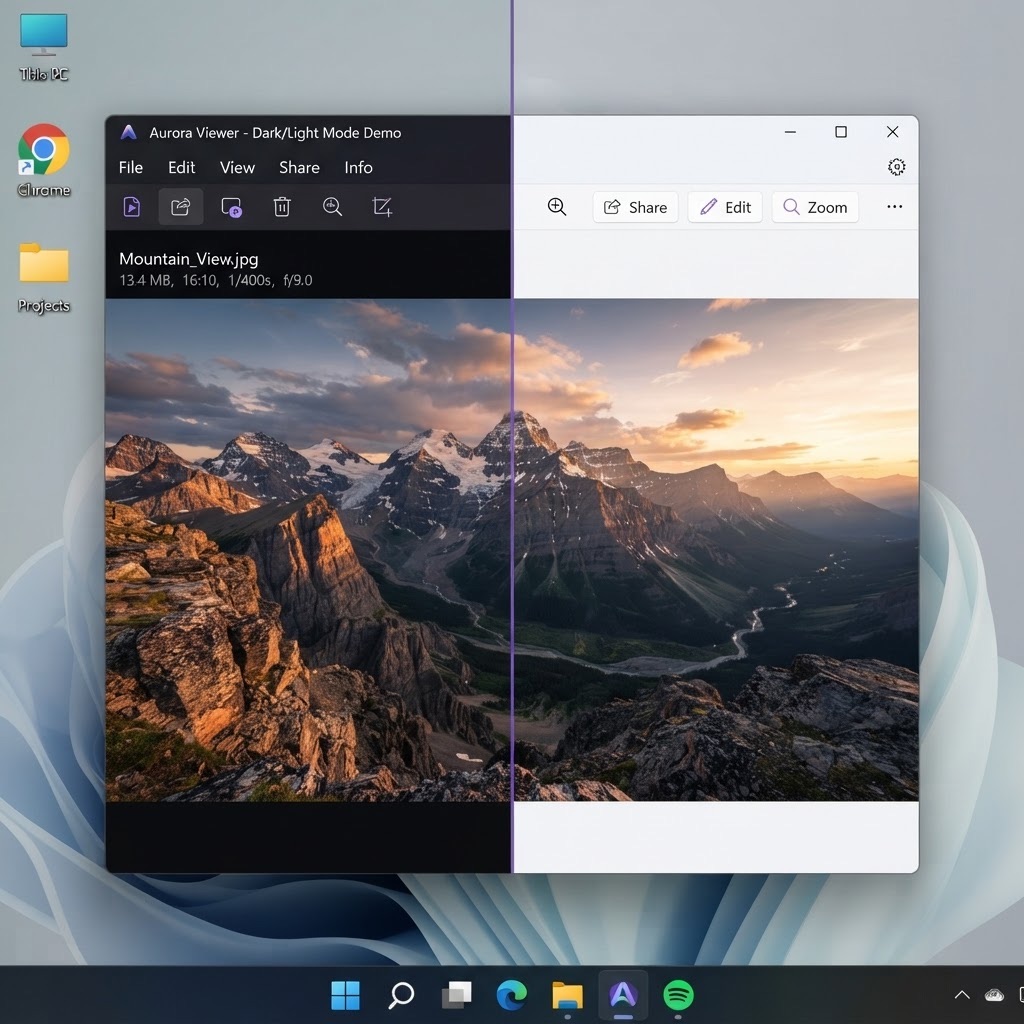
Dark & light themes
Matches your Windows theme automatically.
⚠ This is an independent resource and download mirror for the open-source "Void Image Viewer" project. It is not affiliated with the original authors. All releases are verified against official checksums before publishing.